



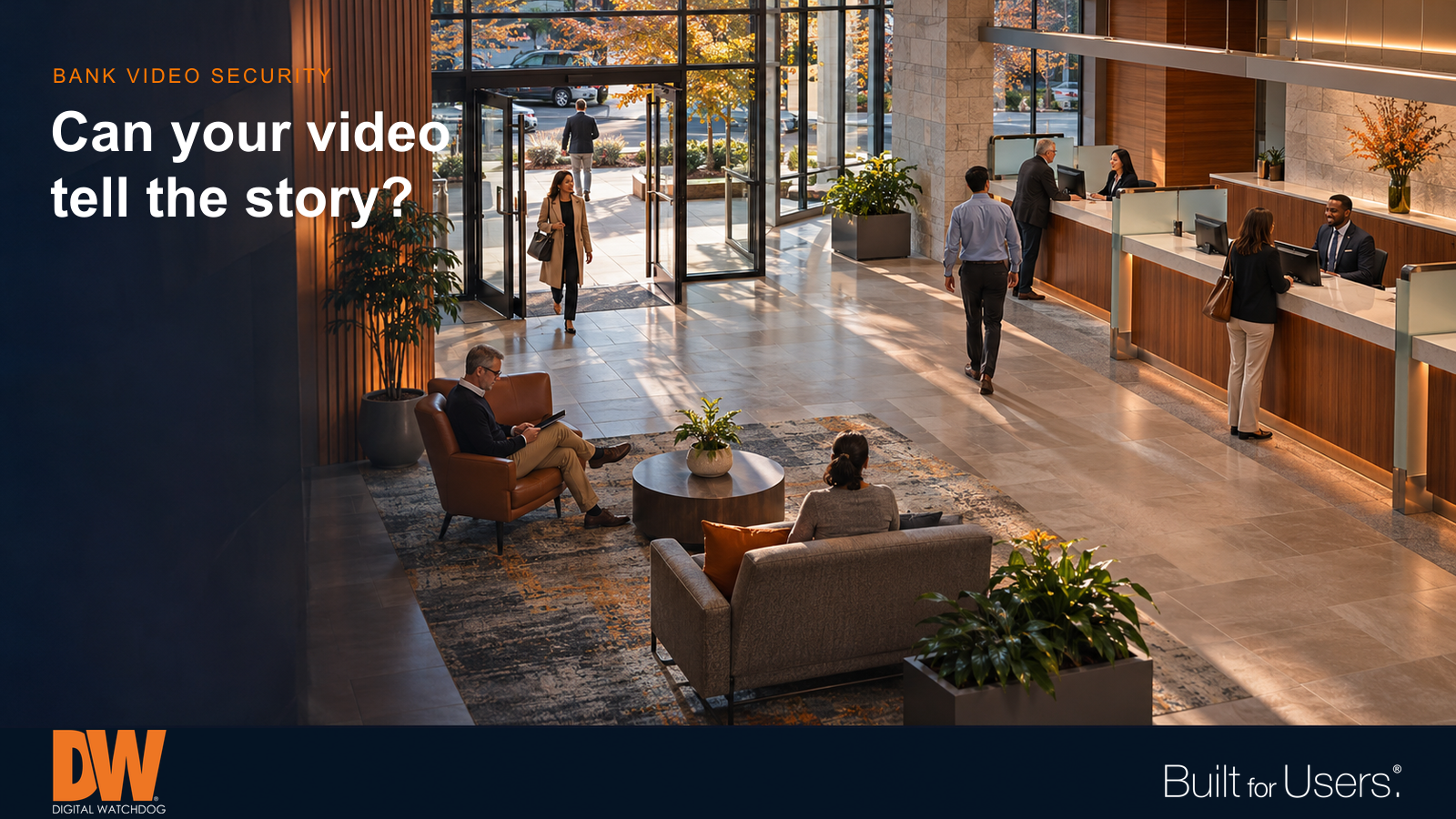
Purposeful views help connect an event from the branch entrance to the service area.
A disputed transaction. An alarm after closing. Damage near an ATM. Each incident starts with questions: What happened, who was nearby, and what happened next? A financial institution's video system should help authorized teams reconstruct that sequence without exposing more customer information than necessary.
That takes more than installing cameras. Useful evidence depends on purposeful views, reliable recording, accurate time and a clear process for reviewing and sharing footage. Start with the questions your staff may need to answer, then design and test the system around them.
Give each view a job
A wide lobby view can show movement between the entrance, waiting area and service counters. A more focused entrance view may provide useful identifying detail. Neither automatically replaces the other. Decide whether each camera needs to establish context, capture detail or follow movement between areas.
Test those views during ordinary business hours. A bright doorway, changing sunlight or a person standing in front of a counter can hide information that looked clear during installation. Review recorded footage, not just the live image, and check that faces and relevant actions remain visible at the distances that matter.
Protect privacy while preserving context
Teller areas and customer-service desks contain screens, documents and conversations that should not become incidental surveillance targets. Frame the interaction and surrounding activity while avoiding unnecessary capture of confidential information. Establish privacy boundaries before installation and review them when furniture or workstations move.
ATM coverage needs similar care. A view of the approach and surrounding area can help explain an incident, while a closer view serves a different purpose. Avoid framing that exposes PIN entry. Evaluate glare, lighting changes and obstructions, and test the final recorded result rather than assuming one camera can cover every need.
Connect the sequence across the branch
An access record can show that a credential was used. Associated video may help explain who entered, whether another person followed and what occurred nearby. Where compatible integrations are available, define which doors and alarm events warrant linked video and test that workflow with staff.
Accurate clocks matter when comparing several cameras or matching footage to another system's event log. Use consistent camera names that identify the branch and location. An investigator should not have to guess whether “Camera 7” faces the employee entrance or the parking lot.
Plan the evidence handoff
Decide who may view live video, search recordings, export clips and administer the system. Those responsibilities need not belong to the same people. Review permissions as employees change roles, and document how an authorized person requests footage from another branch.
An export should preserve enough context to explain the event, including the relevant period before and after it. Test whether the recipient can play the exported material, and keep a record of who released it and why. Set retention periods through the institution's approved policies and appropriate internal review; one universal duration will not fit every location or purpose.
Make recording health part of the routine
A camera appearing online does not prove that its recordings are complete or useful. Assign responsibility for checking recording availability, storage condition, camera views and time synchronization. Decide who receives alerts and what happens if the first person cannot respond.
Practice a simple retrieval exercise: choose a recent time and location, find the footage, follow the sequence and export it for an authorized reviewer. Repeat after significant system changes. This turns maintenance into a practical test of the outcome the institution actually needs.
Use analytics with a defined purpose
Supported person or vehicle detection can help narrow review or draw attention to selected areas after hours. Configure it around a specific operational need, test it under real conditions and have trained staff verify results. Analytics should support established response procedures rather than become an automatic conclusion about someone's intent.
How DW Can Help
MEGApix Ai cameras offer imaging and analytics options for different branch views. DW Spectrum IPVMS supports video viewing and review workflows, including bookmarks that help organize relevant moments for later investigation.
The myDW Health Monitoring Service adds visibility into supported systems through health information, alerts and reports. Together, appropriately selected products can support a plan that addresses both usable video and ongoing recording health, with features and responsibilities matched to the deployment.
