



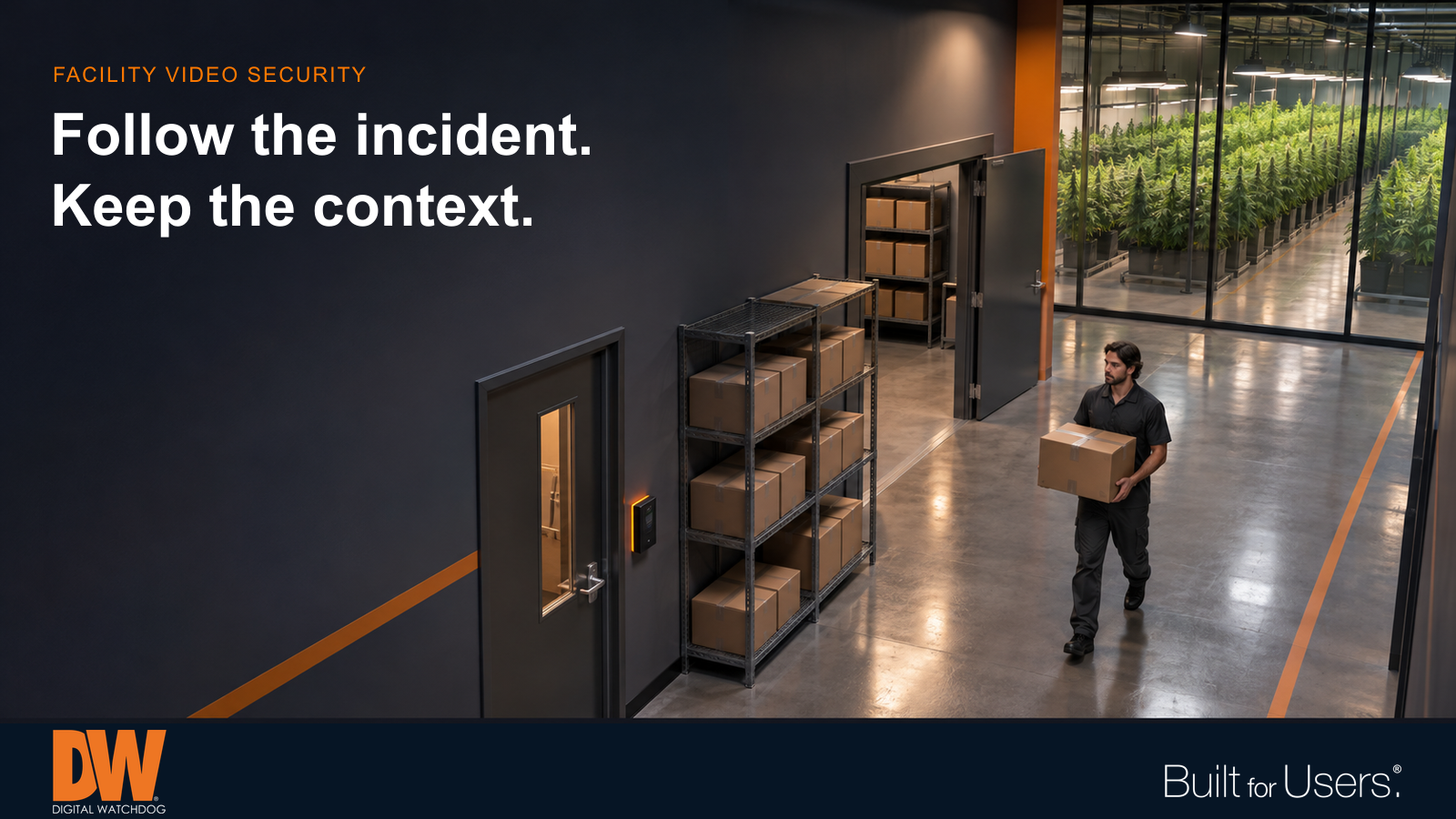
Purposeful views connect controlled entrances, storage and handling areas for later review.
A carton leaves secure storage. A delivery arrives at a side entrance. A discrepancy appears during an inventory review. Can an authorized reviewer follow what happened across the relevant camera views, or does the story disappear between rooms?
For cannabis facilities, useful video starts with that practical question. A camera count alone says little about whether footage can explain an event. Coverage, recording, access and retrieval need to work together around the site's actual activities.
Start with the site and its responsibilities
A dispensary, processing facility and cultivation operation have different layouts and workflows. Before selecting equipment, document the current requirements that apply to the specific license and location with the appropriate regulator and qualified advisors. Do not assume another site's camera plan or retention period applies to yours.
Turn those requirements into a coverage and operating plan. Identify the areas to record, the detail needed, how footage will be retained and who is responsible for checking the system. Video technology supports that plan; purchasing a particular camera or platform does not establish compliance by itself.
Follow movement through the facility
Walk the route from delivery to storage, handling and transfer. At each doorway or handoff, ask what a reviewer must be able to see. An overview may show where someone went, while a more focused view may be needed to understand a handoff or identify a person.
Test actual movements instead of judging an empty-room image. Shelving, stacked cartons, open doors and people can obstruct views that initially look clear. Check both the approach to a controlled area and what happens immediately inside it. Review coverage again when the layout changes.
Plan for real lighting and privacy
Entrances, reflective counters and differently lit work areas can challenge image quality. Evaluate recorded footage at relevant times, including opening, closing and after-hours conditions. A bright live image is not proof that moving subjects will remain usable in playback.
Frame sales and cash-handling areas around the security purpose while limiting unnecessary capture of payment information and private records. Establish who can view footage and when it may be released. Camera placement and access decisions should be deliberate, documented and reviewed as responsibilities change.
Test retention and retrieval together
Storage planning should reflect the required recording schedule, camera settings, scene activity and retention period. Confirm that usable recordings remain available across the intended window; a nominal drive capacity alone is not a retrieval test.
Give cameras consistent, meaningful names and keep system time aligned. Then run a simple exercise: locate an event, follow it across adjacent views, export the relevant footage and open the export on the intended review device. Assign responsibility for protecting and documenting exported evidence. Discovering an unfamiliar workflow during an urgent request creates avoidable delay.
Give system problems an owner
A disconnected camera or storage problem matters only if someone recognizes it and responds. Define who receives notifications, who checks the problem and how unresolved issues escalate. Include the network and power infrastructure in the maintenance plan.
Periodic checks should include playback, camera position, image obstruction and available storage—not just whether a recorder appears online. Retest affected views after maintenance. Alerts can help direct attention, but they do not replace accountable follow-through or confirm that every required recording is present.
Use analytics as an aid to review
Person or vehicle detection and selected zone alerts may help reviewers narrow a search or notice activity that needs attention. Test the chosen functions in the actual scene and train staff to interpret the results. Analytics do not automatically replace required recording, establish what happened or remove the need for human review.
How DW Can Help
MEGApix Ai offers camera choices for different views and environments. DW Spectrum IPVMS supports viewing, search and export workflows, while recording and storage should be sized to the site's documented needs.
For supported systems, myDW Health Monitoring Service adds visibility into recording, connectivity and storage conditions through monitoring, alerts and reports. Match product capabilities, permissions and service compatibility to the approved design, with clear responsibility for ongoing testing and response.
