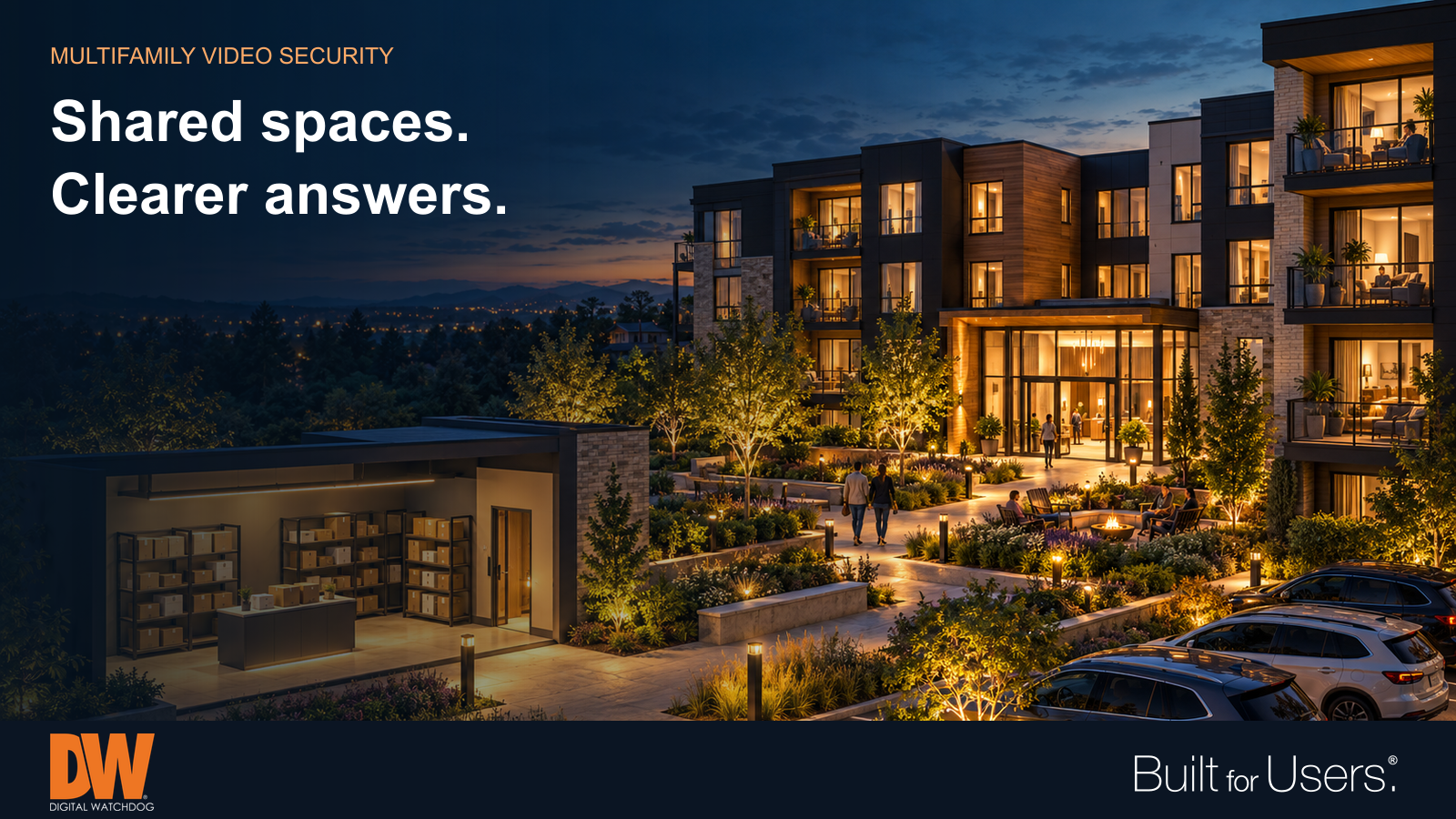



Thoughtful coverage of shared entrances, package rooms and parking areas helps residential teams investigate concerns and respect privacy. A resident reports a missing package. Another finds damage to a parked car. The property manager needs a useful account of what happened, often with only an approximate time and location. A video system earns its place when it helps answer those everyday questions while respecting the people who call the community home. For apartments, condominiums and other multifamily properties, planning should begin with shared spaces, clear responsibilities and realistic expectations. More cameras alone do not create a better process. Start with the question staff must answer Walk the property with the people who handle deliveries, maintenance and resident concerns. Identify recurring problems and the information needed to investigate them. At a package room, the question might be whether a delivery arrived and which entrance someone used afterward. At a garage, it might be when a vehicle entered or where damage occurred. Give each proposed camera a defined job. An overview can establish movement through a courtyard; a closer entrance view may provide more useful detail. Decide where those views need to connect before choosing equipment. Include changes in lighting, landscaping and traffic throughout the day. Follow the route through shared spaces Package rooms, building entrances and parking areas often deserve attention because people and deliveries move between them. Coverage that captures only one part of the route can leave staff guessing about the rest. Consider an illustrative delivery complaint: a package-room view shows a parcel being left, an entrance view establishes the delivery time, and a lobby view helps reconstruct subsequent activity. Consistent timestamps and usable camera names make that sequence easier to review. The footage still needs careful interpretation; a person appearing near a parcel does not establish wrongdoing. At amenities, focus on the operational question. A pool gate or clubhouse entrance may provide the necessary access context without broad coverage of every activity inside. Review camera placement as the property changes. Test the view under real conditions A clear daytime image does not establish that a camera will capture useful detail at night. Check entrances with sunlight behind arriving visitors, garages with headlights, and walkways after exterior lighting switches on. Confirm that signs, foliage or parked vehicles do not obscure the intended view. Test recorded playback as well as live video. Ask a staff member to find a sample event, follow it between relevant cameras and export the needed segment. That exercise can reveal confusing names, missing views or an impractical review process before a resident needs help. Treat privacy as part of the design Keep the purpose of each view narrow and understandable. Review sightlines toward apartment windows, balconies and private living spaces. Use appropriate positioning or privacy controls to avoid collecting unnecessary detail. Establish who may view recordings, who may export them and how requests are handled. Explain the community's practices clearly to residents. Set a retention policy that reflects actual operational needs, and define how relevant footage is preserved when an incident is reported. Review applicable requirements with qualified advisers rather than assuming one policy fits every property. Make alerts useful and assign a response Analytics can help staff find relevant activity, but an alert only helps when someone knows what to do with it. Configure detection areas and schedules around a specific purpose, such as activity near a closed maintenance entrance. Review nuisance alerts and adjust the setup using real site conditions. Avoid treating video analytics as proof of intent or a substitute for staff judgment. Decide which events require immediate attention, which belong in routine review and who receives each notification. A practical response plan matters as much as the detection itself. Keep the system ready for the next question Assign responsibility for checking recording, storage and connectivity. Review user access when staff or service providers change. Maintain supported software and firmware, and include playback and export checks in routine service. For a management company overseeing several properties, consistent naming and permissions can simplify assistance from regional staff. Local teams should still know whom to contact when a recording is missing or a device needs service. The goal is a dependable process that supports resident concerns without making promises the system cannot keep. How DW Can Help MEGApix Ai camera options provide different coverage choices and supported analytics for shared-space applications. DW Spectrum IPVMS brings live and recorded video into a management platform that can support authorized review across compatible systems. myDW Health Monitoring Service provides health information, alerts and reports for supported systems, helping service teams identify issues needing attention. Product selection, configuration and maintenance responsibilities should follow the property's coverage and operating plan. |