


|
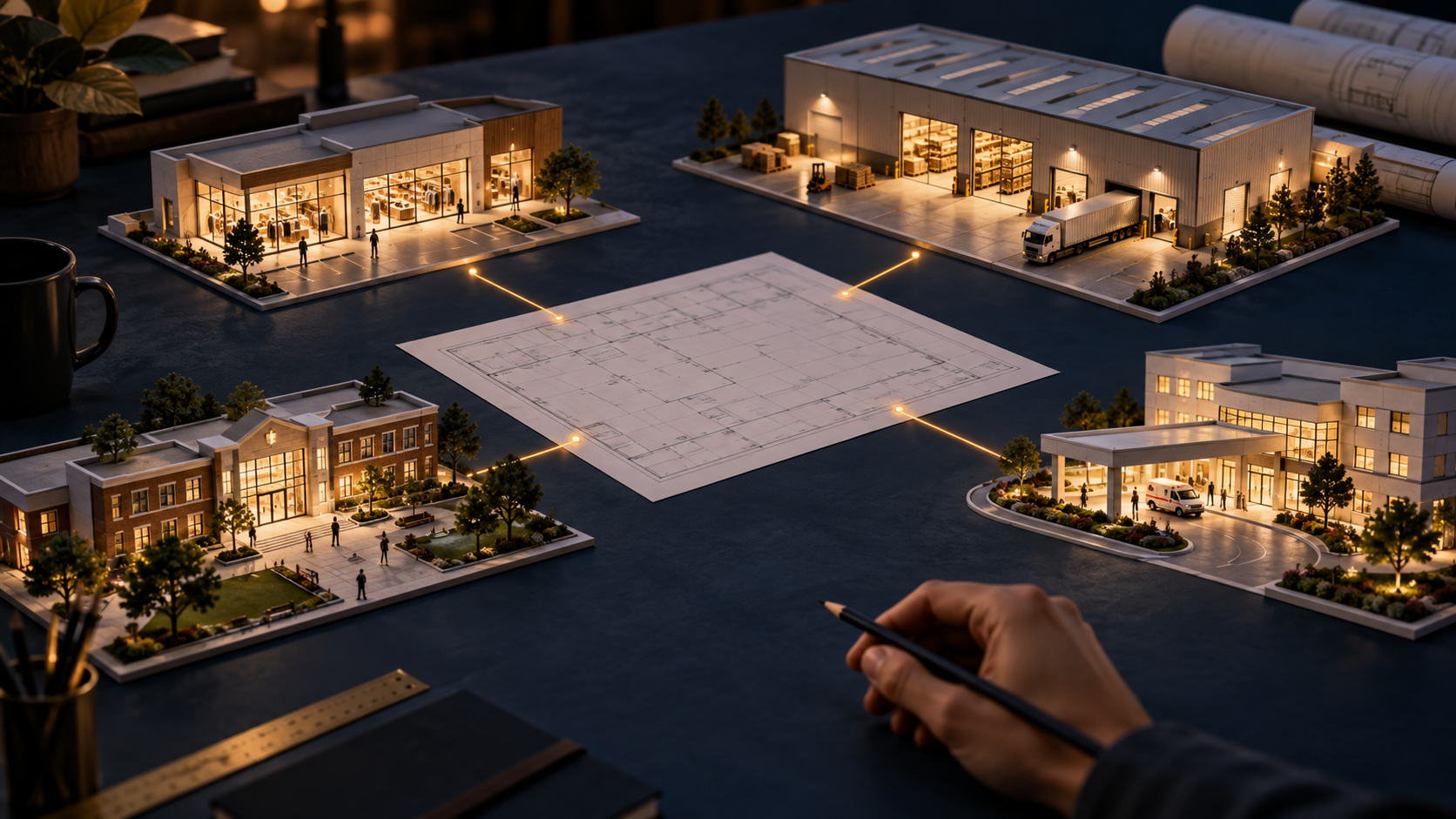
Match coverage, recording and response to the needs of your site and industry. Conceptual illustration. A retailer investigating a missing item and a warehouse manager checking a disputed delivery may both need video. They do not necessarily need the same camera, view or recording plan. The useful question is not which system has the longest feature list. It is which system will help your team answer the questions that matter at your site. Your industry provides a starting point. Your floor plan, lighting, operating hours, incident history and response procedures turn that starting point into a practical design. Before comparing equipment, identify what you need to see, what you need to prove and who will use the information. Start with the incident, then design the view Write down three situations your team actually encounters. For each, describe the evidence you would want afterward. Would you need to identify someone entering a door, understand activity across a lobby, follow a shipment through a loading area or determine when a restricted gate opened? These are different viewing tasks. A wide overview can show where activity happened without preserving enough detail to identify a face at the far end of the scene. More pixels alone cannot correct a poor camera angle, a blocked view or motion blur. Match placement, lens, lighting and recording settings to the task, and evaluate recorded examples from the proposed position. Retail: connect the event to its context Retail coverage often centers on entrances, checkout areas, merchandise and stockrooms. A useful design lets staff follow an incident between those areas without assuming one wide-angle camera will capture every important detail. If transaction review is a priority, ask how video and point-of-sale information can be associated in the proposed system. Confirm compatibility with the actual software you use. For stores with several locations, test how quickly an authorized manager can find and export an incident without navigating a different process at every branch. Warehousing and manufacturing: follow the movement Loading docks, staging areas and handoff points deserve attention because goods and vehicles move through them quickly. Tall racks, moving equipment and changing stock levels can obstruct a view that looked adequate during an empty-building walkthrough. Test the view during normal operations. Check whether labels, people or vehicle details remain readable at the required distance and speed. License plate capture should be designed and tested as its own task; a camera providing a good parking-lot overview may not deliver usable plates. In manufacturing, verify that the equipment suits the temperature, dust, moisture and vibration at its intended location. Education and healthcare: define access and response Schools and healthcare facilities bring together people with different access needs, responsibilities and expectations of privacy. Planning should address who may watch live video, review recordings, export clips and authorize disclosure, alongside where cameras belong. Prioritize the entrances, shared areas and circulation routes relevant to your security plan. Involve the people responsible for privacy, IT and site operations before installation. Confirm applicable requirements with the appropriate specialists rather than assuming a camera or software feature makes the entire deployment compliant. Practice finding a relevant recording under realistic time pressure, including when the usual administrator is unavailable. Hospitality, offices and public-facing sites: make everyday use practical Reception desks, delivery points, shared corridors and parking areas often require a combination of overview and detail. Backlighting at glass entrances, reflections and evening lighting can change performance considerably throughout the day. Let the people who will use the system test common tasks: locating a time period, moving between views and exporting a clip. A sophisticated platform offers little practical value if staff cannot retrieve the right footage when needed. Agree on training, permissions and an escalation path for problems before handover. Choose recording around your operations Camera selection is only part of the decision. Decide where recordings will reside, how long they should remain available and how users will access them. Local, cloud and hybrid designs have different requirements for connectivity, storage, subscriptions and ongoing support. Ask what happens during an internet outage, a recorder failure or loss of power. Specify which functions must continue, how alerts are delivered and how recovery will be tested. Calculate retention using the proposed camera count and recording settings, then validate it after installation. A storage-capacity number by itself does not establish how many days of useful video you will retain. Treat maintenance as part of the system A live picture does not prove that recordings are being saved correctly. Include checks for recording status, storage health, time accuracy, obstructed views and access permissions in the operating plan. Assign someone to receive alerts and someone to resolve them; an unattended notification is not a maintenance process. Ask who will provide software updates, manage credentials and review changes as the site evolves. Compare the full cost of the proposed system, including installation, licensing, storage, connectivity, training and support. Leave room for likely growth, but tie that growth plan to actual operational needs. Make the demonstration prove the fit Give prospective providers a short acceptance checklist based on your three priority incidents. Ask them to demonstrate the required detail, search process, export workflow and failure response. Request examples under challenging conditions, not only a bright, motionless scene. The right system should make those everyday tasks repeatable. Industry experience helps a provider ask better questions, but the strongest recommendation is one supported by evidence from your environment. How DW Can Help Digital Watchdog offers MEGApix Ai camera options, DW Spectrum IPVMS video management software and Blackjack recording servers that can be considered together around a site's coverage and operational needs. Relevant analytics can support detection and review when selected and configured for the application. The myDW Health Monitoring System adds another important consideration: ongoing visibility into supported systems. Its health monitoring, alerts and reports can help integrators identify recording, connectivity or storage issues and organize a response. Ask your security professional which products, service options and maintenance responsibilities fit your deployment. |