



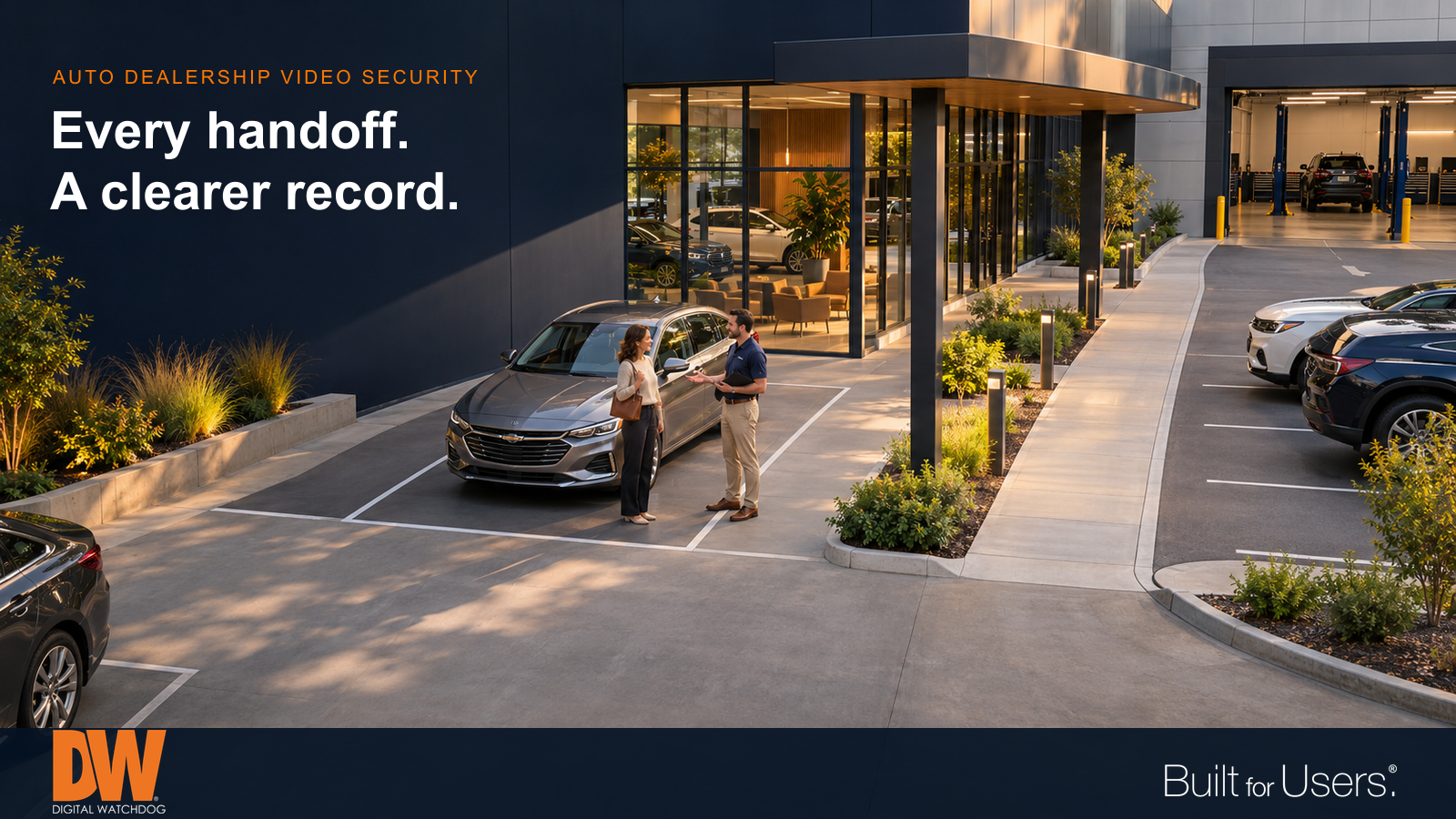
Follow vehicle handoffs with views that show both useful detail and the surrounding sequence.
A vehicle can pass through several hands in a single dealership visit. It arrives at service reception, moves to a staging area, enters a bay and returns to the customer. If a question comes up later, a wide view of the parking lot may show movement without explaining what happened at the handoff.
Useful video security starts with those everyday transitions. The goal is a clear, reviewable sequence that helps staff investigate an incident, resolve uncertainty and improve procedures.
Follow the vehicle through the visit
Map the route a customer vehicle normally takes, including drop-off, staging, service, washing and release. Identify the points where responsibility changes and where vehicles may pause outside the main workflow.
Each view should have a purpose. An overview establishes where a vehicle went; a closer view may show the people involved or visible vehicle condition. Neither automatically substitutes for the other. Camera placement, lighting, reflections and obstructions determine whether the recorded detail will actually answer the question.
Video can supplement a documented vehicle inspection. It cannot guarantee a record of every scratch or every side of a car. Define what staff must document directly and what the cameras are expected to support.
Treat the lot as several different areas
An inventory lot combines vehicle entrances, pedestrian approaches, display rows and boundaries. One distant camera is unlikely to provide useful identification and broad coverage everywhere at once.
Review each area at the times it matters. Headlights, deep shadows, rain and changing daylight can affect the result. Parked trucks or newly arranged inventory may block a view that looked excellent when the system was installed.
Where license plate information is needed, plan an appropriate capture view at a controlled approach or exit. Keep an overview for context. Test the actual recorded results under expected conditions rather than assuming a general lot camera will reliably read every plate.
Make an alert useful to a person
After-hours detection can direct attention to a defined area, such as a pedestrian approach or restricted service entrance. That is more useful than treating every movement across the property as equally important.
Set detection areas and schedules around real operations. Cleaning crews, deliveries, moving foliage and authorized late arrivals all affect how an alert should be interpreted. Assign someone to review notifications and define the next step after they verify an event.
Analytics can help staff find or notice activity. They do not replace human judgment, lighting, barriers, key control or a practical response procedure.
Build a sequence people can review
Consider a customer who reports damage after collecting a vehicle. An investigation may need to follow its arrival, staging location, service activity and release. Consistent camera names and synchronized timestamps help the reviewer move through that sequence without unnecessary guesswork.
Decide who can search recordings, who can export clips and how relevant footage will be preserved. Limit access to the people who need it. Position cameras thoughtfully around finance desks, screens and paperwork so useful coverage does not unnecessarily expose confidential information.
For a dealership group, consistent site and camera naming can also make review easier across locations. Establish responsibility locally rather than assuming that centralized access means someone is continuously watching every site.
Check the recording, not just the live picture
A live image is only part of the system. Confirm that important views are recording, that playback works and that the retention period fits the dealership's operational needs and policies.
Storage planning depends on camera count, image settings, recording schedules and other factors. Recheck it when coverage changes. Include a practical review of image quality, obstructions, recording health and export procedures in routine maintenance.
The best starting question is simple: if an incident happened here, could an authorized person find the relevant sequence and understand what the recording shows?
How DW Can Help
MEGApix Ai camera options can support coverage planned around the dealership's different views. DW Spectrum IPVMS provides tools for viewing, searching and reviewing recorded video across a system.
myDW Health Monitoring Service adds visibility into supported system health, with alerts and reports that can help integrators identify issues and organize a response. Coverage design, recording requirements and maintenance responsibilities should be considered together.
