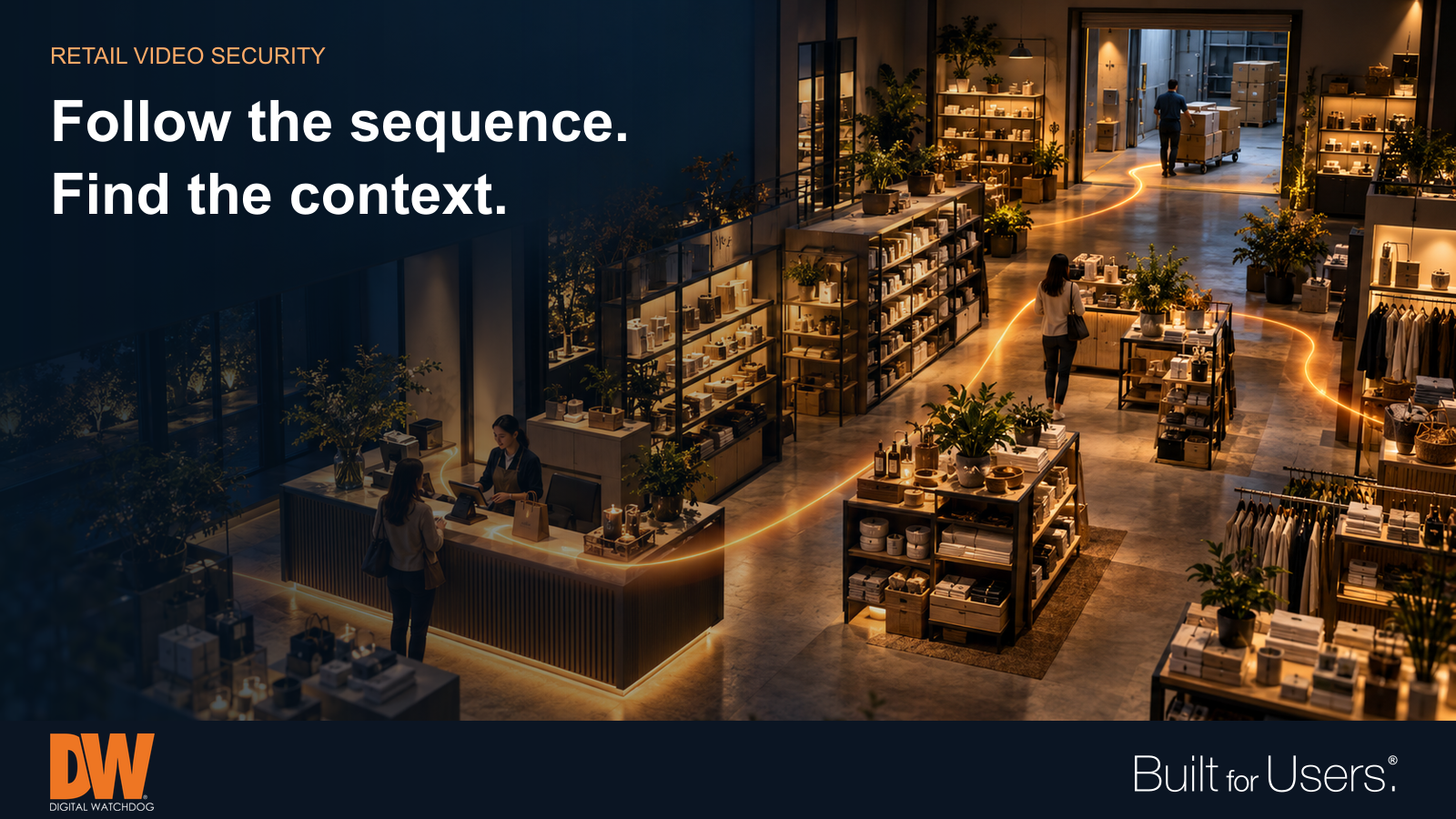



Coordinated views of checkout, merchandise areas and receiving help retail teams reconstruct events and understand the context. A checkout dispute, missing stock and a delivery discrepancy can all start with the same question: what happened? A useful retail video system helps authorized staff find the relevant sequence, understand the context and preserve a clear record. Camera count alone does not answer that question. The strongest starting point is a list of the situations each store needs to investigate. Design coverage, recording and review procedures around those situations, then test the results during normal business hours. Start with the questions your team must answer At an entrance, you may need a clear view of someone entering or leaving. At a service desk, you may need to understand a return or an interaction between staff and a customer. In receiving, the question may be when a delivery arrived and where the merchandise went afterward. An overview and a detail view serve different purposes. A wide view can establish movement through an area, while a closer view may capture the action at a counter. Ask your installer to demonstrate the recorded result, including changing daylight, busy aisles and people standing between the camera and the activity. Follow the sequence, not just one moment A single clip can leave important questions unanswered. For a checkout incident, the useful sequence may include an aisle, the register and an exit. Consistent system time and clear camera names help staff move between views without losing the thread. Plan views around changing displays and seasonal merchandising. A camera that worked well before a promotional stand arrived may now have an obstructed view. Include a quick coverage check whenever layouts change. Keep sensitive payment details outside the intended camera view and define who may review recordings. Give receiving the same attention as the sales floor Stockrooms and service doors are easy to overlook because customers rarely see them. They can also be the places where a retailer needs to reconcile deliveries, damaged goods or access to inventory. Check whether the video can show the delivery area, the route into storage and relevant door activity. Confirm that lighting supports the intended view during early arrivals or late collections. Where video connects with another system, verify the actual integration and its event timing rather than assuming a transaction or door event will automatically bring up the right recording. Make review practical across locations A regional team should not have to relearn the investigation process at every store. Use consistent naming, appropriate permissions and a documented method for finding, exporting and storing relevant clips. Give staff access suited to their responsibilities. Practice with an ordinary scenario: a manager receives an approximate time and a location, finds the sequence and exports a usable clip. Check that another authorized person can play it and understand the context. This exercise often reveals problems that a live camera demonstration misses. Use analytics to narrow the search Supported analytics can help staff find relevant activity or focus attention on a defined area. Their value depends on the task, the scene and the way the system is configured. A busy entrance and a restricted receiving door present different conditions. Test rules during representative operating periods and review the results before relying on them. An alert or search match is a starting point for human review. Look at the surrounding activity before drawing a conclusion, and keep the response consistent with store procedures. Check recording before you need it A live picture does not establish that useful recordings will be available later. Confirm recording schedules, retention targets and playback, and assign responsibility for responding to technical problems. Periodically test an export as well as live viewing. A health alert also needs an owner. Establish who reviews it, who investigates and how the repair is confirmed. For multiple stores, a consistent process can make an unavailable recorder less likely to remain unnoticed until an incident exposes the gap. How DW Can Help MEGApix Ai offers camera options for different coverage needs. DW Spectrum IPVMS provides live viewing, recorded-video review and export tools that can support a consistent investigation workflow. Select cameras, recording resources and supported analytics around the store's actual scenes and operational requirements. The myDW Health Monitoring Service provides health visibility, alerts and reports for supported systems. Paired with clear maintenance responsibilities, that information helps teams identify issues needing attention before the next investigation depends on the recording. |