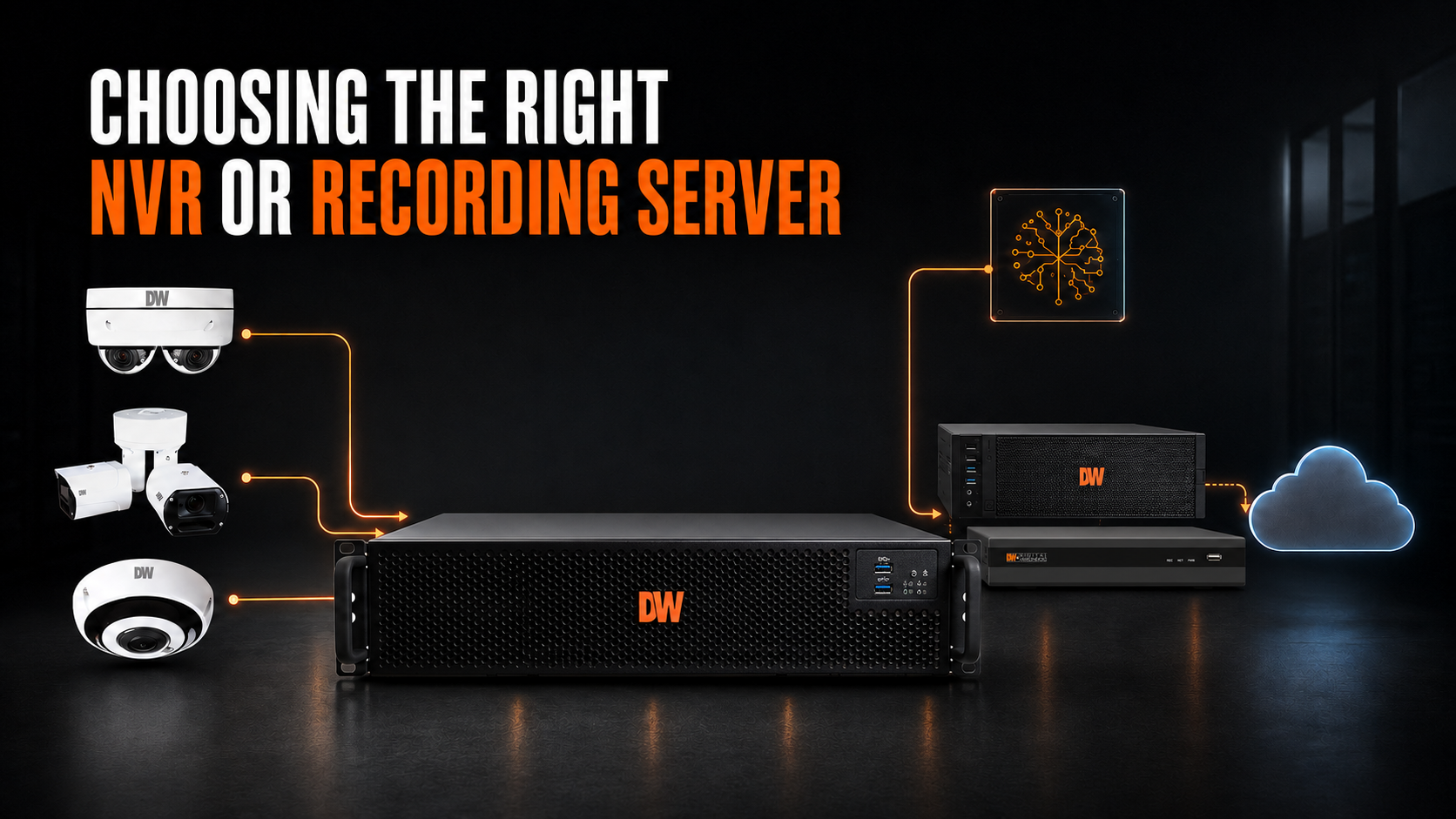



A hybrid solution depends on your recorder on premises. |
Cameras may capture the video, but the network video recorder (NVR) or recording server determines how effectively that video is recorded, stored, searched and managed. Choosing the right recorder affects system performance, reliability, cybersecurity and future scalability. Selecting one based solely on the number of camera channels can result in dropped video, insufficient storage or an expensive replacement as the surveillance system grows. Here are the most important factors to consider. Understand the Difference Between an NVR and a Recording ServerThe terms are often used interchangeably, but there can be an important distinction. A traditional NVR is typically a purpose-built appliance that combines video recording, storage, camera connections and management tools in one unit. It can be an excellent choice for small and midsize surveillance systems. A recording server generally offers greater processing power, storage flexibility and scalability. Servers are often preferred for larger systems, advanced analytics and multi-site deployments. Both perform many of the same essential functions:
The right choice depends on the size, complexity and future requirements of the system. Do You Need a Separate Recorder?Not every surveillance system requires a dedicated NVR or recording server. DW® MEGApix Ai CloudCam® cameras combine video capture, edge-based AI, DW Spectrum® VSaaS and 1TB of onboard storage in each camera. Because every camera functions as its own local recording server, organizations can deploy a complete surveillance system without separate recording hardware. This distributed architecture can simplify smaller and multi-site deployments while eliminating a single central recording point. A dedicated NVR or server may still be preferable when an application requires centralized storage, greater retention capacity, redundancy or management of many cameras from one location. Learn more about MEGApix Ai CloudCam. Start With Camera Count—but Don’t Stop ThereBegin by calculating the number of cameras the recorder must support, including:
Choosing a recorder with capacity beyond today’s requirements can provide room to grow without replacing core infrastructure. Multi-sensor cameras also deserve special attention. One physical camera may produce multiple video streams, increasing recording, storage and processing requirements. Calculate the Required ThroughputThroughput is the amount of video data a recorder can process within a given period. It is generally measured in megabits per second (Mbps). Required throughput is affected by:
A recorder may have enough licenses or channels for the required cameras but still lack the throughput to process all their video properly. Insufficient throughput can contribute to dropped frames, interrupted recordings and slow system performance. Plan Storage Around Retention RequirementsStorage requirements depend on more than camera count. They are also influenced by:
A system recording continuously for 60 days will require substantially more storage than one recording on motion for 30 days. Storage planning should include additional capacity for future cameras and changing retention requirements. Organizations should also consider whether storage can be expanded without replacing the recorder. Consider Local, Cloud and Hybrid StorageOrganizations are no longer limited to storing all video on the recorder. Depending on operational and retention requirements, storage can include:
Local recording provides immediate access and control, while cloud storage can add off-site protection and scalable capacity. A hybrid approach combines on-premises recording with cloud flexibility, allowing organizations to retain critical video beyond the capacity of the local recorder or access it if primary storage becomes unavailable. When evaluating a recorder, determine whether it can integrate with cloud storage now or in the future. Also consider internet bandwidth, cybersecurity, retention requirements and ongoing subscription costs. Evaluate Reliability and System Health Because the recorder is central to the surveillance system, reliability should be a priority. Depending on the application, important capabilities may include:
Proactive health monitoring can help identify camera, storage and recording problems before critical video is needed. Consider the Video Management SoftwareHardware specifications matter, but users interact primarily with the video management system (VMS). The software experience often determines how useful the overall surveillance system becomes. Look for a VMS that provides:
An open-platform VMS can also provide greater flexibility when selecting cameras, analytics, access control and other connected systems. Make Cybersecurity a RequirementAny recorder connected to a network must be treated as part of the organization’s cybersecurity environment. Important protections include:
Default passwords, shared user accounts and unmaintained software can create unnecessary risk. Cybersecurity should be considered during system design—not added after installation. Prepare for AI and Video AnalyticsModern surveillance systems are increasingly being used for more than recording. Organizations may want to deploy:
Some analytics run within the camera, while others require processing at the server or in the cloud. The recorder should be selected with enough processing capacity and integration flexibility to support both current and anticipated analytics. Think Beyond a Single LocationA scalable surveillance platform should accommodate:
A hybrid architecture can keep video recording on-premises while providing cloud-connected management, system health monitoring, notifications and video sharing. This gives organizations local control of their video while extending access and operational visibility across multiple sites. How Digital Watchdog Can HelpDigital Watchdog offers recording solutions for applications ranging from small businesses to complex enterprise deployments. For organizations that prefer a streamlined, appliance-based solution, VMAX® IP G4 NVRs combine high-resolution recording, built-in PoE and straightforward system management in one unit. Supporting up to 4K video and powering up to 16 IP cameras on select models, they simplify installation while providing secure remote access. Integration with myDW® Health Monitoring Service adds cloud-based health monitoring, alerts and video clip sharing—combining dependable on-premises recording with convenient cloud-connected management. Blackjack® Ai recording servers provide high-performance recording, scalable storage and open-platform flexibility. Powered by DW Spectrum® VSaaS, they support intuitive video management, centralized administration and expansion across multiple locations. Blackjack® Ai servers and appliances can also add server-side analytics to compatible video streams, helping organizations introduce advanced intelligence without necessarily replacing their existing cameras. For organizations that need additional storage capacity or off-site protection, DW Cumulus™ extends compatible DW systems with scalable cloud storage. This makes it possible to combine reliable on-premises recording with cloud-based storage expansion and access—without abandoning the existing surveillance infrastructure. Together, these technologies create a flexible hybrid video surveillance foundation that can scale across cameras, storage, analytics and locations. Learn more about DW’s hybrid video surveillance solutions. |