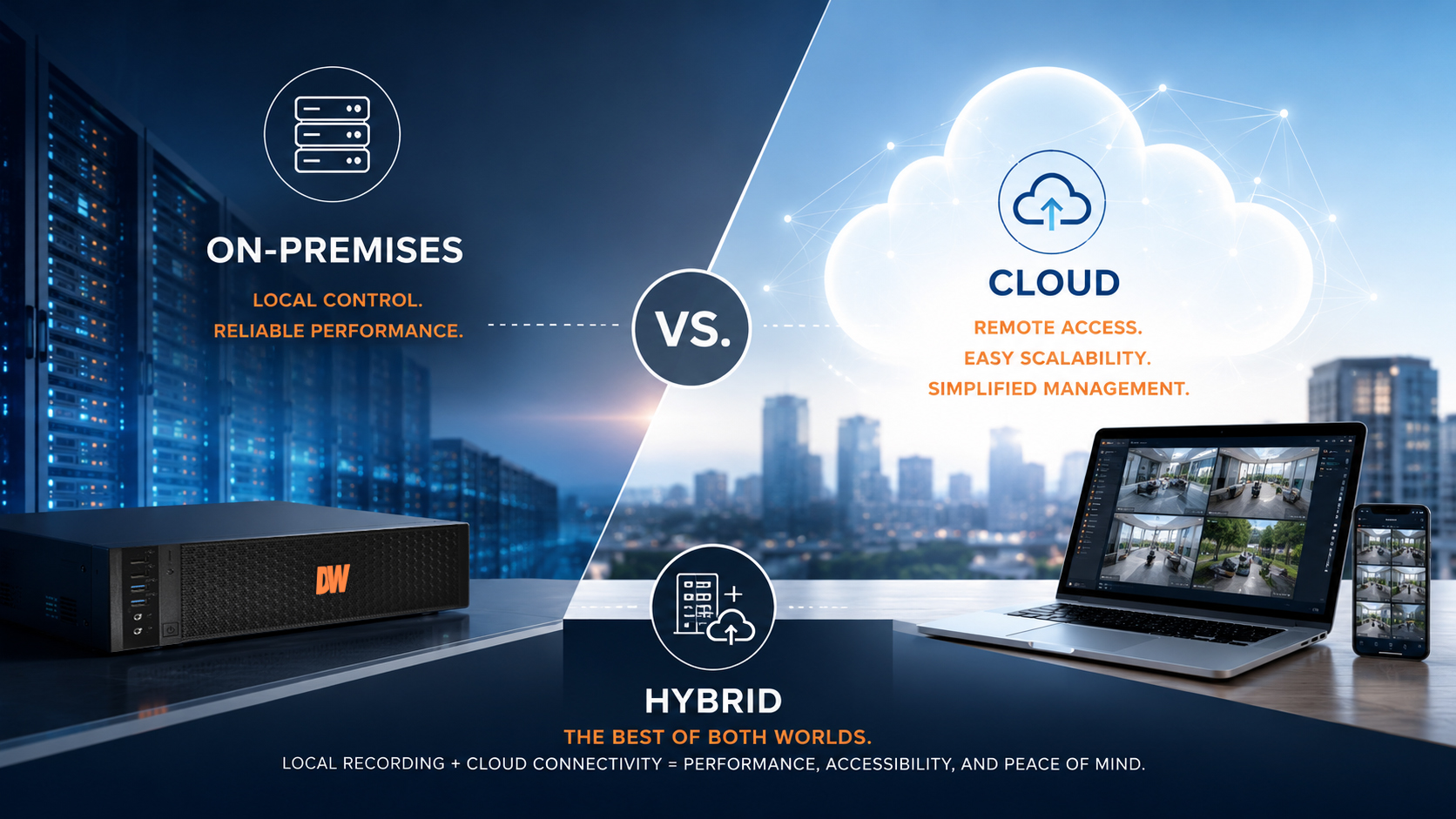



A hybrid system may be your best solution. |
As organizations modernize their video surveillance systems, one question consistently rises to the top: Where should video be stored? The answer is no longer limited to on-premises recorders or cloud storage. Today's surveillance systems support three distinct approaches: on-premises, cloud, and hybrid. Each offers unique advantages, and the best choice depends on your organization's operational, security, and business requirements. Rather than asking which approach is "best," the better question is: Which storage strategy best supports your organization's goals? Understanding On-Premises Video Storage On-premises storage records video locally using Network Video Recorders (NVRs), dedicated recording servers, storage arrays, or network-attached storage (NAS). The organization owns and manages the recording infrastructure, making this the traditional choice for commercial video surveillance. Advantages Organizations often choose on-premises storage because it provides:
For facilities that record large amounts of video around the clock, local storage remains an extremely efficient solution. Considerations Managing an on-premises system also means managing the infrastructure. Organizations are responsible for:
In addition, if equipment is damaged by fire, flooding, theft, or other disasters, locally stored video may be lost unless an off-site backup strategy is in place. Understanding Cloud Video Storage Cloud storage moves video from the local site to secure remote data centers managed by a cloud provider. Depending on the application, video may be uploaded continuously, based on events, or on a scheduled basis. Authorized users can securely access footage from nearly anywhere using a browser or mobile device. Advantages Cloud storage offers several compelling benefits:
For organizations with multiple locations or limited IT resources, cloud storage can significantly simplify system administration. Considerations Cloud storage also introduces several planning factors. Subscription costs typically increase based on:
Because video must be uploaded, internet bandwidth and connectivity become important design considerations. Organizations should also understand how their provider handles data ownership, security, compliance, and retention policies. Why Hybrid Storage Is Becoming the Preferred Approach Many organizations are discovering they don't have to choose between cloud and on-premises storage. A hybrid architecture combines local recording with cloud services, delivering the strengths of both. Typical hybrid deployments include:
This approach minimizes bandwidth requirements while providing the accessibility and resilience organizations increasingly expect. For many commercial surveillance deployments, hybrid storage represents the best balance of performance, flexibility, and cost. Which Storage Strategy Is Right? On-Premises Storage is often the best choice when:
Cloud Storage may be ideal when:
Hybrid Storage is often the strongest option when:
The Future of Video Storage Modern surveillance systems are rapidly evolving beyond simply recording video. Today's platforms increasingly integrate:
As these technologies mature, storage strategies are evolving alongside them. The industry is moving toward architectures that combine the reliability of local recording with the flexibility and intelligence of cloud services. How Digital Watchdog Can Help Digital Watchdog® supports organizations with storage solutions designed around how they actually operate—not forcing them into a cloud-only or on-premises-only model. Our ecosystem includes:
Whether your priority is performance, remote management, disaster recovery, or future scalability, Digital Watchdog provides the flexibility to build a surveillance solution that fits your operational requirements today while preparing for tomorrow. The future of video surveillance isn't cloud or on-premises—it's choosing the right architecture for your organization. And for many businesses, that architecture is hybrid. |