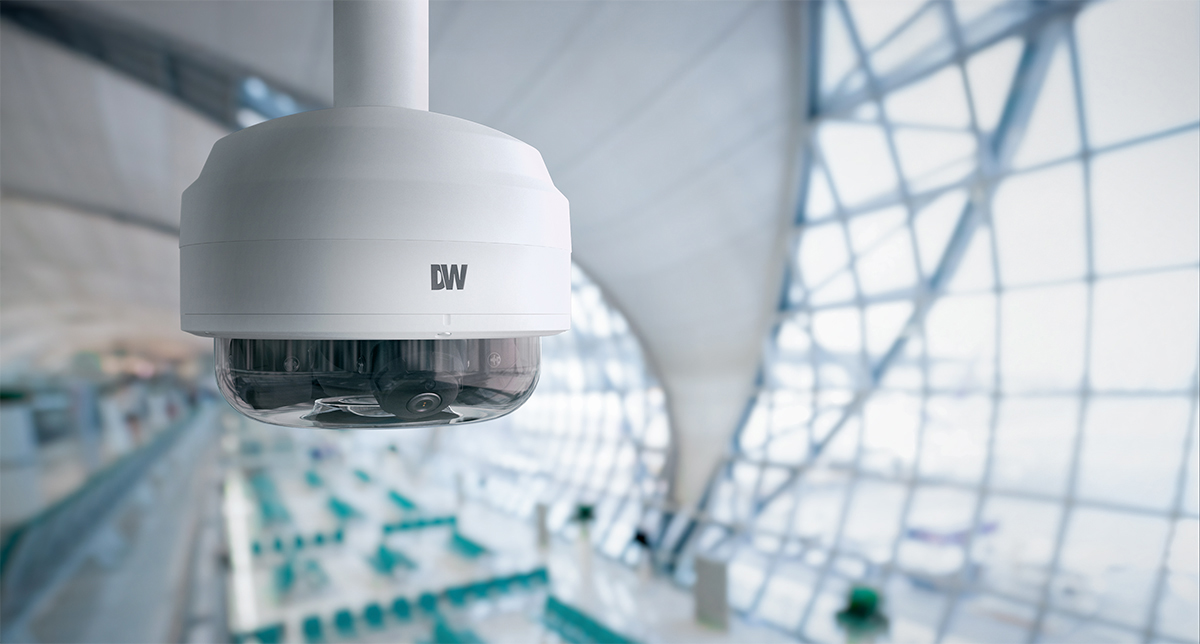



The Digital Watchdog DWC-PVX20WATX is an example of deploying multiple cameras from one installation. | |||
Introduction The answer depends on several factors, including the size of your facility, the level of security required, operational goals, and compliance requirements. Installing too few cameras can leave critical blind spots, while installing too many can increase costs without delivering additional value. The goal isn't to maximize camera count. The goal is to maximize coverage, visibility, and actionable intelligence. Start with Your Security Objectives Common objectives include:
Each objective may require different camera placement strategies. For example, a retail store focused on loss prevention will prioritize entrances, checkout areas, stock rooms, and sales floors. A manufacturing facility may focus on production lines, loading docks, and restricted access areas. Identify Critical Coverage Areas Typical areas include: Entrances and Exits These cameras help:
Many businesses require at least one camera per entrance. Parking Lots Coverage may require multiple cameras depending on:
Reception Areas Cash Handling Areas Examples include:
Warehouses and Inventory Areas Coverage should include:
Consider Facility Size A medium-sized retail location might require 12–25 cameras. A large warehouse, distribution center, or campus environment may require dozens or even hundreds of cameras. Coverage requirements increase based on:
Account for Camera Field of View Wide-angle cameras can cover large areas with fewer devices. However, broader coverage may reduce the level of detail available for identification purposes. Questions to consider:
Higher detail requirements often increase camera counts. Eliminate Blind Spots A professional design process should identify:
Many organizations discover that strategic camera placement reduces the total number of cameras required while improving overall coverage. Think Beyond Security Businesses increasingly use cameras for:
Additional use cases may justify expanded coverage. Future-Proof Your Deployment When designing a system, consider:
Scalable systems can reduce future upgrade costs. Common Camera Count Guidelines
|
|||
| Facility Type | Typical Camera Count | ||
| Small Office | 4-8 | ||
| Retail Store | 8-25 | ||
| Restaurant | 6-15 | ||
| Warehouse | 20-100+ | ||
| School | 25-300+ | ||
| Healthcare Facility | 30-500+ | ||
| Multi-Site Enterprise | Hundreds to Thousands | ||
These numbers vary significantly based on requirements. Why a Professional Assessment Matters A professional assessment evaluates:
This ensures the system delivers meaningful results rather than simply adding more cameras. How Digital Watchdog Can Help With solutions including:
Digital Watchdog enables businesses to deploy surveillance systems that provide comprehensive coverage without unnecessary complexity. Whether securing a single office, a retail chain, a warehouse, or a multi-site enterprise, Digital Watchdog's scalable architecture helps organizations determine exactly how many cameras they need while ensuring every critical area remains protected. The best security camera system isn't the one with the most cameras. It's the one that delivers the right coverage, the right visibility, and the right intelligence for your business objectives. |
|||